Instructions to use dealignai/Nemotron-3-Super-120B-A12B-UNCENSORED-JANG_2L with libraries, inference providers, notebooks, and local apps. Follow these links to get started.
- Libraries
- MLX
How to use dealignai/Nemotron-3-Super-120B-A12B-UNCENSORED-JANG_2L with MLX:
# Make sure mlx-lm is installed # pip install --upgrade mlx-lm # Generate text with mlx-lm from mlx_lm import load, generate model, tokenizer = load("dealignai/Nemotron-3-Super-120B-A12B-UNCENSORED-JANG_2L") prompt = "Write a story about Einstein" messages = [{"role": "user", "content": prompt}] prompt = tokenizer.apply_chat_template( messages, add_generation_prompt=True ) text = generate(model, tokenizer, prompt=prompt, verbose=True) - Notebooks
- Google Colab
- Kaggle
- Local Apps Settings
- LM Studio
- Pi
How to use dealignai/Nemotron-3-Super-120B-A12B-UNCENSORED-JANG_2L with Pi:
Start the MLX server
# Install MLX LM: uv tool install mlx-lm # Start a local OpenAI-compatible server: mlx_lm.server --model "dealignai/Nemotron-3-Super-120B-A12B-UNCENSORED-JANG_2L"
Configure the model in Pi
# Install Pi: npm install -g @mariozechner/pi-coding-agent # Add to ~/.pi/agent/models.json: { "providers": { "mlx-lm": { "baseUrl": "http://localhost:8080/v1", "api": "openai-completions", "apiKey": "none", "models": [ { "id": "dealignai/Nemotron-3-Super-120B-A12B-UNCENSORED-JANG_2L" } ] } } }Run Pi
# Start Pi in your project directory: pi
- Hermes Agent new
How to use dealignai/Nemotron-3-Super-120B-A12B-UNCENSORED-JANG_2L with Hermes Agent:
Start the MLX server
# Install MLX LM: uv tool install mlx-lm # Start a local OpenAI-compatible server: mlx_lm.server --model "dealignai/Nemotron-3-Super-120B-A12B-UNCENSORED-JANG_2L"
Configure Hermes
# Install Hermes: curl -fsSL https://hermes-agent.nousresearch.com/install.sh | bash hermes setup # Point Hermes at the local server: hermes config set model.provider custom hermes config set model.base_url http://127.0.0.1:8080/v1 hermes config set model.default dealignai/Nemotron-3-Super-120B-A12B-UNCENSORED-JANG_2L
Run Hermes
hermes
- OpenClaw new
How to use dealignai/Nemotron-3-Super-120B-A12B-UNCENSORED-JANG_2L with OpenClaw:
Start the MLX server
# Install MLX LM: uv tool install mlx-lm # Start a local OpenAI-compatible server: mlx_lm.server --model "dealignai/Nemotron-3-Super-120B-A12B-UNCENSORED-JANG_2L"
Configure OpenClaw
# Install OpenClaw: npm install -g openclaw@latest # Register the local server and set it as the default model: openclaw onboard --non-interactive --mode local \ --auth-choice custom-api-key \ --custom-base-url http://127.0.0.1:8080/v1 \ --custom-model-id "dealignai/Nemotron-3-Super-120B-A12B-UNCENSORED-JANG_2L" \ --custom-provider-id mlx-lm \ --custom-compatibility openai \ --custom-text-input \ --accept-risk \ --skip-health
Run OpenClaw
openclaw agent --local --agent main --message "Hello from Hugging Face"
- MLX LM
How to use dealignai/Nemotron-3-Super-120B-A12B-UNCENSORED-JANG_2L with MLX LM:
Generate or start a chat session
# Install MLX LM uv tool install mlx-lm # Interactive chat REPL mlx_lm.chat --model "dealignai/Nemotron-3-Super-120B-A12B-UNCENSORED-JANG_2L"
Run an OpenAI-compatible server
# Install MLX LM uv tool install mlx-lm # Start the server mlx_lm.server --model "dealignai/Nemotron-3-Super-120B-A12B-UNCENSORED-JANG_2L" # Calling the OpenAI-compatible server with curl curl -X POST "http://localhost:8000/v1/chat/completions" \ -H "Content-Type: application/json" \ --data '{ "model": "dealignai/Nemotron-3-Super-120B-A12B-UNCENSORED-JANG_2L", "messages": [ {"role": "user", "content": "Hello"} ] }'
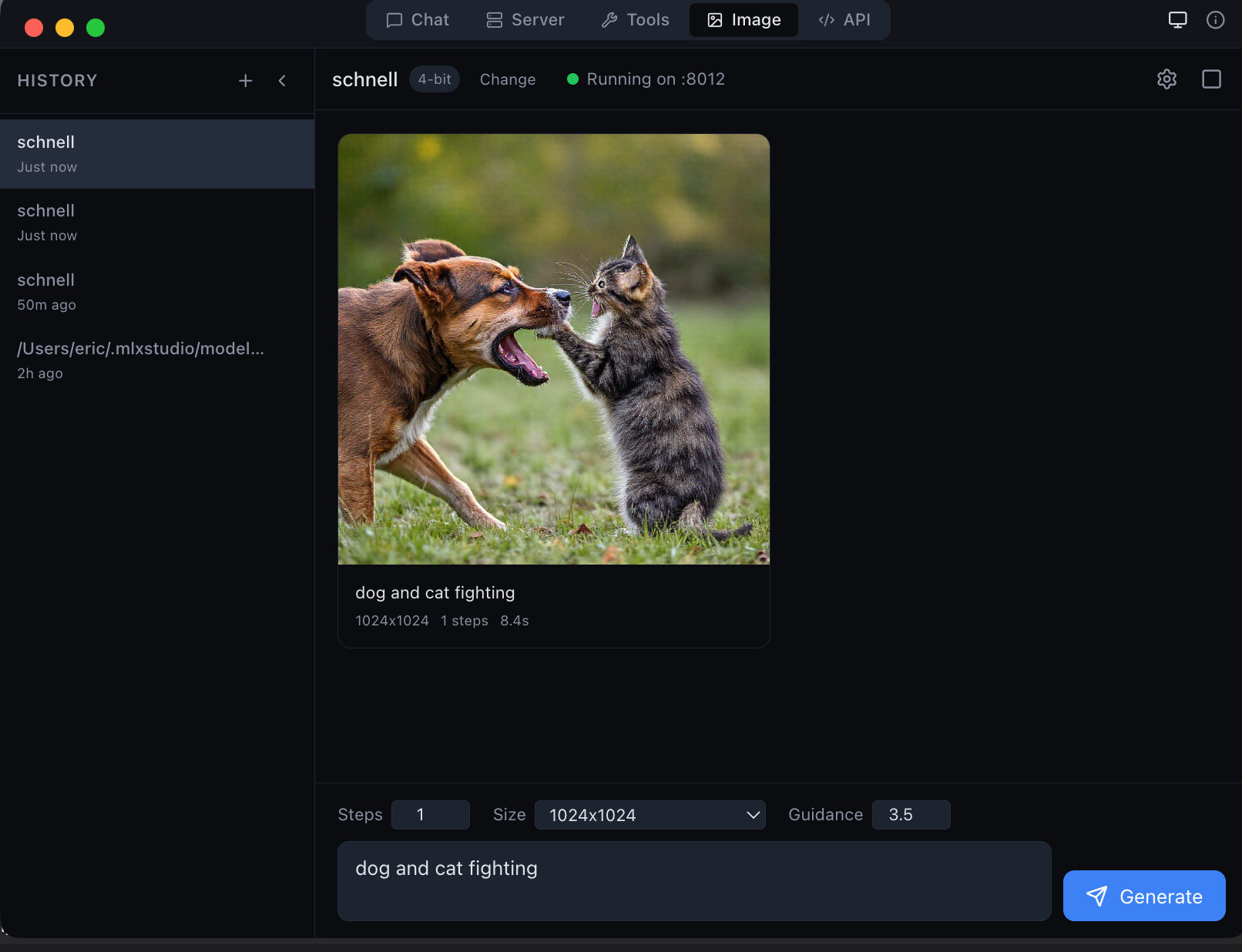
Important: This model uses the JANG quantization format — the GGUF equivalent for MLX on Apple Silicon. Currently only supported by MLX Studio and the
jang-toolsPython package.

MLX Studio — the only app that natively supports JANG models
Nemotron 3 Super 120B — JANG_2L + CRACK
JANG mixed-precision · CRACK abliterated · Mamba + MoE + Attention · No guardrails · 43 GB
What Is This?
This is NVIDIA Nemotron 3 Super 120B — a 120B parameter hybrid model with THREE layer types: Mamba SSM + MoE (512 experts, top-22) + Attention. One of the most architecturally complex open models available.
It has been:
- JANG quantized — JANG_2L profile (8-bit attention, 6-bit important, 2-bit experts) — 43 GB
- CRACK abliterated — permanent weight-level removal of safety refusal
| Architecture | Nemotron 3 Super — 120B total, ~12B active, 3 layer types |
| Quantization | JANG_2L (8/6/2-bit mixed, 2.76 avg) — 43 GB |
| Abliteration | CRACK — novel weight surgery |
| HarmBench | 96.2% (308/320) |
| MMLU | 95.7% (199/208 with thinking) |
| Speed | 45 tok/s (M3 Ultra 256GB) |
| Thinking | ON/OFF supported (ChatML) |
| Fits on | 64 GB+ Macs |
HarmBench Results
308/320 (96.2%)
| Category | Score | |
|---|---|---|
| Harassment / Bullying | 21/21 | 100% |
| Misinformation / Disinfo | 54/54 | 100% |
| Copyright | 79/80 | 99% |
| Chemical / Biological | 40/42 | 95% |
| Harmful | 17/18 | 94% |
| Illegal | 50/53 | 94% |
| Cybercrime / Intrusion | 47/52 | 90% |
MMLU Results
199/208 (95.7%) — 208 questions across 13 subjects with thinking recovery
| Subject | Score | /16 | Type |
|---|---|---|---|
| HS Biology | 16/16 | 100% | BASE |
| College Physics | 15/16 | 94% | HARD |
| Conceptual Physics | 15/16 | 94% | HARD |
| Machine Learning | 15/16 | 94% | HARD |
| Professional Medicine | 15/16 | 94% | HARD |
| World Religions | 15/16 | 94% | BASE |
| Electrical Engineering | 14/16 | 88% | HARD |
| HS Geography | 14/16 | 88% | BASE |
| Formal Logic | 13/16 | 81% | HARD |
| Abstract Algebra | 12/16 | 75% | HARD |
| HS Mathematics | 12/16 | 75% | HARD |
| College CS | 12/16 | 75% | HARD |
| College Math | 10/16 | 63% | HARD |
CRACK vs Base
| CRACK | Base JANG_2L | |
|---|---|---|
| MMLU (with thinking) | 95.7% | 86.0% |
| HarmBench | 96.2% | 0% |
| Speed | 45 tok/s | 46 tok/s |
Surgery improved reasoning by +9.7% — safety guardrails were interfering with mathematical problem-solving.
Install & Usage
pip install "jang[mlx]"
from jang_tools.loader import load_jang_model
from mlx_lm import generate
model, tokenizer = load_jang_model("dealignai/Nemotron-3-Super-120B-A12B-JANG_2L-CRACK")
messages = [{"role": "user", "content": "Your prompt here"}]
prompt = tokenizer.apply_chat_template(
messages, add_generation_prompt=True, tokenize=False)
response = generate(model, tokenizer, prompt=prompt, max_tokens=2000)
print(response)
Thinking Mode
Thinking is ON by default. To disable:
prompt = tokenizer.apply_chat_template(
messages, add_generation_prompt=True,
enable_thinking=False, tokenize=False)
Tip: Use
temperature=0.6for thinking mode (NVIDIA recommendation). Usetemperature=1.0for chat.
About JANG
JANG (Jang Adaptive N-bit Grading) is a mixed-precision quantization format for Apple Silicon — the GGUF equivalent for MLX.
About CRACK
CRACK (Controlled Refusal Ablation via Calibrated Knockouts) removes safety alignment from LLMs at the weight level using per-layer projected vectors from structurally-mirrored prompt pairs.

Links
Disclaimer
This model is provided for research and educational purposes. The creators are not responsible for any misuse. By downloading this model, you agree to use it responsibly and in compliance with applicable laws.
한국어
Nemotron 3 Super 120B — JANG_2L + CRACK
| 항목 | 내용 |
|---|---|
| 크기 | 43 GB |
| HarmBench | 96.2% (308/320) |
| MMLU | 95.7% (199/208) |
| 속도 | 45 tok/s (M3 Ultra) |
| 최소 요구사양 | 64 GB 메모리 Mac |
pip install "jang[mlx]"
GitHub · HuggingFace · MLX Studio · Ko-fi · X @dealignai
Created by Jinho Jang · 장진호 제작
- Downloads last month
- 3,521
Quantized